
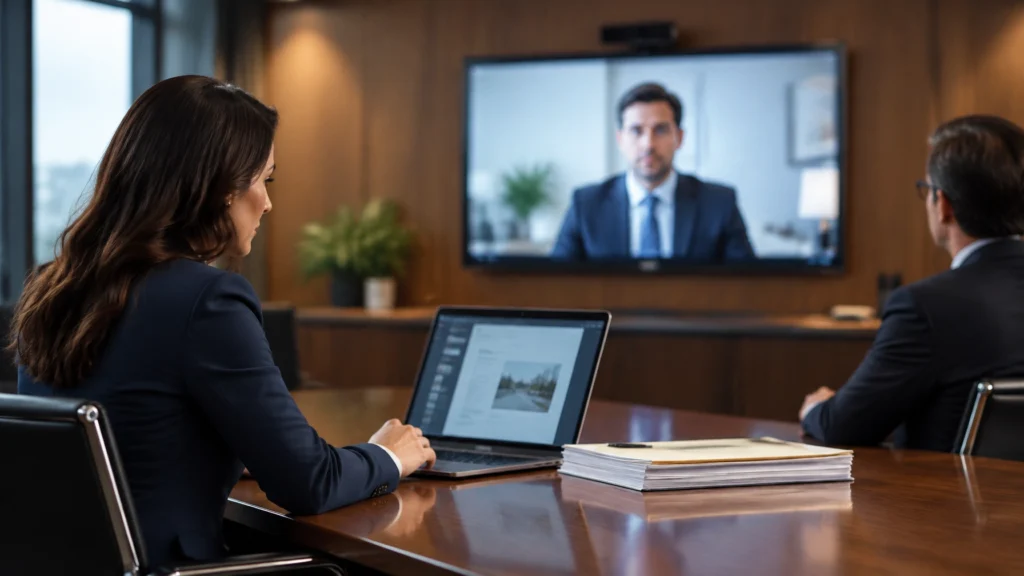
A remote deposition runs well when the examining attorney controls the exhibit, the witness sees exactly the document under discussion, and the court reporter receives the marked exhibit without anyone emailing PDFs mid-session or at the end of the deposition. When those three things happen, exhibit handling fades into the background and the testimony takes over. When they don't, sessions stall on “can everyone see Exhibit 14?” while the witness waits on a shared drive.
The difference usually isn't the team — it's the workflow underneath. Teams running remote depositions on general-purpose video calls with email, shared drives or share screen spend the session improvising logistics. Teams running them on a purpose-built exhibit platform spend the session examining. Here's how the easy version works, step by step, and where the friction comes from when the tooling fights the process.
Court rules, protective orders, stipulations, and reporter procedures vary, so confirm the requirements for your proceeding.
The session that runs itself
In a deposition handled on a purpose-built exhibit platform like ExhibitSuite™, the flow is straightforward:
Before the session, the exhibit set is already loaded. The team pre-marks exhibits (if they choose), builds a clean indexed list, and loads the documents into the depo folder. Additions and updates happen in real time — even late changes on the morning of the deposition don't require reprinting, rescanning, or re-emailing anything. There are no binders to assemble and no copies to run. Your team can review late-filed discovery for you, put it in your folder in real time while the attorney continues the questioning.
When questioning starts, the attorney controls what appears. ExhibitSuite™ lets the attorney decide when an exhibit appears and pull it from view instantly (if they so choose), so participants see the document only when it's introduced. That control matters: the witness responds to the document on the attorney's timing, not whenever a pre-shared folder leaks the record early.
The witness and counsel see the right document, at the right moment. Instead of a screen-share that everyone watches passively, each participant views the exhibit at their own pace, and the attorney manages and monitors what each person sees in real time. If opposing counsel should see something different from the witness, that's controllable — not a happy accident of one shared screen.
Marking and annotation happen live, on a copy. The attorney can annotate, sticker, and search while preserving the original document untouched. The witness can do the same. The exhibit marked during the deposition is preserved exactly as marked; any presentation marks live on separate versions. Nothing gets altered after the fact — which matters, because exhibits marked in a deposition must never be changed once the deposition concludes.
Closeout is one flow. Exhibits go to the court reporter and archive in one flow. There's no separate reconciliation scramble across an attorney's working folder, a shared drive, and whatever the reporter received by email, because everything already lives in the same system. The reporter gets what they need automatically, and the exhibit set that goes into the record matches what was shown on screen.
Where the friction actually comes from
When teams run remote depositions on screen-sharing apps, email threads, and shared drives instead, the same session looks different:
- The exhibit arrives by email, mid-question. The attorney asks about a document, then waits while opposing counsel checks an inbox, downloads an attachment, and opens it. The witness is left listening to silence.
- Screen-sharing becomes the entire process. A page on a shared screen directs attention, but it may not satisfy the agreed procedure for identifying, marking, and providing the exhibit — and everyone watches one screen instead of working with the document themselves.
- Exhibit numbers drift. The filename, the exhibit list, and the number spoken on the record come from three places, so they fall out of sync — especially when documents come up live during testimony.
- Nobody can confirm what the witness is actually viewing. With one shared screen and no participant-level view control, “can you confirm you're looking at page 6?” becomes a genuine question, not a formality.
- Closeout turns into archaeology. After the session, someone reconciles what was shown on screen, what was marked, what was emailed, and what the reporter actually received — and if a marked exhibit gets lost between systems, the record has a gap.
None of these are exotic failures. They're the default behavior of a toolset that wasn't built for depositions.
The platform checklist
Whether you're evaluating ExhibitSuite™ or any platform for remote depositions, the questions that separate an easy session from a rocky one are concrete:
- Can the attorney control when exhibits appear — and pull them from view? If every participant sees all of your documents all the time, the examination loses its timing and the attorneys loses his or her edge.
- Can you manage what each participant sees in real time? Witness and counsel shouldn't be limited to one shared screen.
- Can you annotate and mark exhibits live while the original stays untouched? Presentation marks belong on copies; the source document and the marked exhibit must stay preserved exactly as they were.
- Can you search exhibits instantly mid-session? When a witness says “the email from March,” the attorney should be able to pull it in seconds, not after the deposition.
- Do exhibits reach the court reporter in one flow, with archiving built in? The closeout should be a step, not a project. Can I get a witness??
- Can paralegals pre-mark exhibits and build the indexed list in advance? Deposition-day prep should end before the deposition day.
- How quickly can a new team learn it? A platform that takes weeks of training doesn't get used at 9 a.m. on deposition day. ExhibitSuite™ is designed so most users are comfortable after approximately 30 minutes.
What the easy version feels like
The hallmark of a remote deposition on the right platform is that nobody talks about the logistics. The examining attorney introduces an exhibit and it appears for exactly the people who should see it. The witness confirms they're viewing it, and they are — because the view was controlled, not assumed because the viewers can see what the witness is seeing at all times. Stickers and annotations go on live copies while the original stays intact. At the end, the marked exhibit set flows to the court reporter and the archive in one motion, and the record shows what happened — not a reconstruction of it.
That's the whole point of purpose-built exhibit software: the attorney keeps total control of the courtroom and the deposition without an external technician, the record is preserved at all costs, and the certified court reporter remains the keeper of the record — with the software handling the logistics that used to eat the session.
For related guidance, see How to Gain the Edge in Depositions With Digital Exhibits. To see how this workflow runs on your next deposition, request an ExhibitSuite™ demo.
Frequently asked questions about remote deposition exhibit sharing
How early should exhibits be shared before a remote deposition?
Never, if you can help it. Why show them your playbook?
Do exhibits still need to be exchanged if they are shown on screen?
Screen-sharing a page on a remote deposition does not necessarily satisfy the agreed procedure for identifying, marking, and providing an exhibit. Confirm what the on-screen display covers and how the full document will be provided to the court reporter and participants.
How should exhibit numbers be handled in a remote deposition?
Always state what the document is as well as the name of the file before moving into substantive questioning, confirm aloud that the number called out matches the document everyone is viewing.
What should be checked after a remote deposition ends?
Reconcile the exhibits referenced on the record against the working exhibit list, confirm nothing is missing or duplicated, note any documents that were marked or annotated during the session, and the taking attorney sends the final set to the court reporter, unless other parties have documents that have been marked as well.
Can deposition exhibits be altered after the session?
No. Exhibits marked during a deposition must be preserved exactly as marked once the deposition concludes, because changing them afterward would alter the record. Any annotations or presentation versions should be kept as separate copies.
Why do teams use ExhibitSuite™ for remote exhibit sharing?
Because it replaces the patchwork of screen-sharing apps, email threads, and shared drives with one controlled workflow. ExhibitSuite™ lets the team manage what each participant sees in real time, apply exhibit stickers and annotations while preserving the original, and share exhibits with the court reporter and archive them in one flow. The result is less improvising mid-session and a cleaner record when the deposition is over.